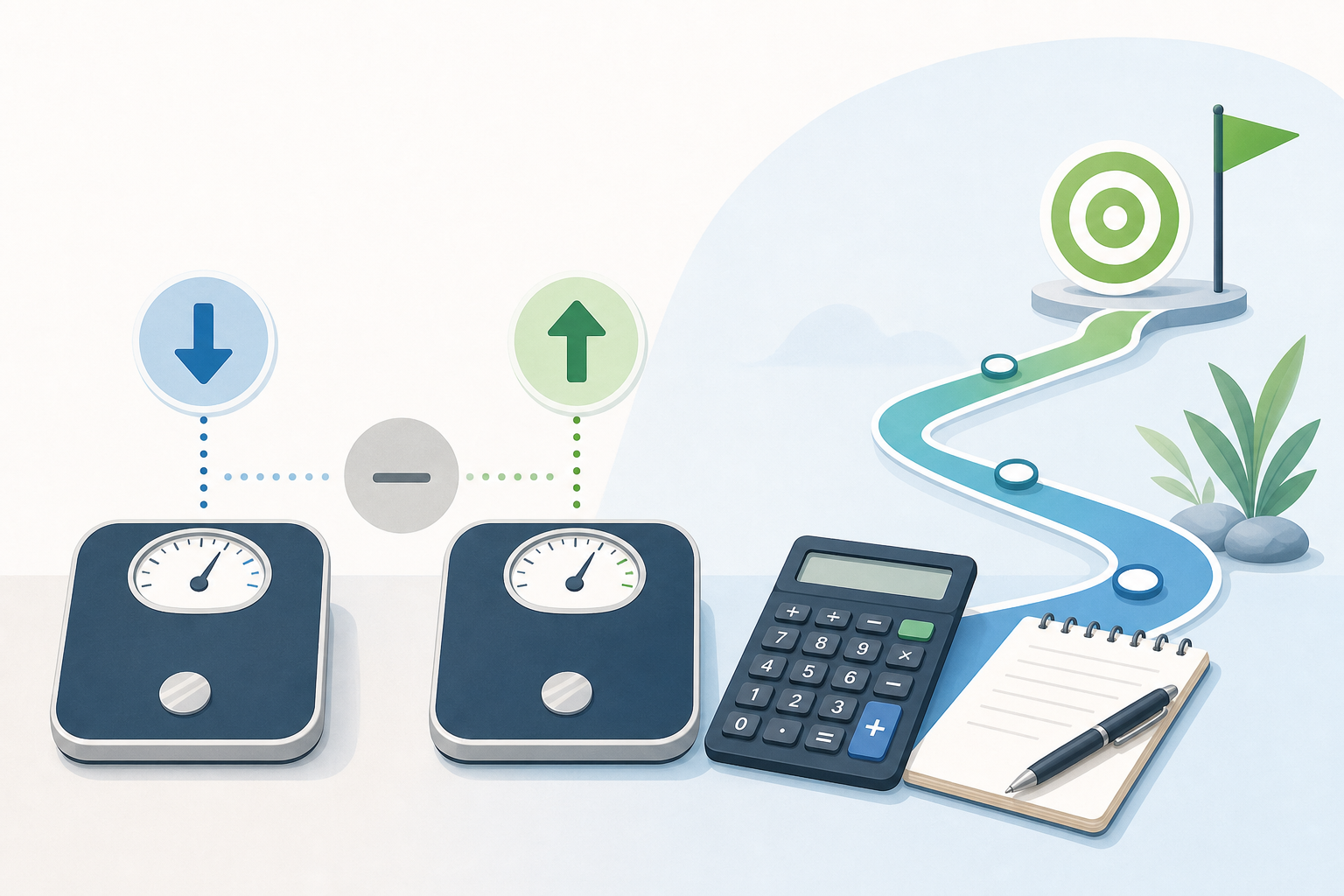
Learning how to calculate weight gain or weight loss between two weighins is straightforward: subtract the starting weight from the current weight. A negative result indicates a loss, a positive result indicates a gain, and zero means there was no measured change. The size of the difference can also be reported without a plus or minus sign when only the amount of change matters.
How to calculate weight gain or weight loss between two weighins
Use the following formula when both measurements are recorded in the same unit:
Weight change = current weight − starting weight
The result is a signed weight difference. Its sign shows the direction of change:
- Negative result: The current weight is lower, indicating a measured loss.
- Positive result: The current weight is higher, indicating a measured gain.
- Zero: The two recorded weights are the same.
For example, if the starting weight was 90 kg and the current weight is 84 kg:
84 kg − 90 kg = −6 kg
The negative sign shows that the change was a loss. This can be reported more naturally as a 6 kg weight loss.
Signed difference versus absolute difference
A weight gain loss difference can be expressed in two related ways. The signed difference communicates both the amount and direction, while the absolute difference communicates only the distance between the two measurements.
Signed weight difference
The signed difference is calculated as current weight minus starting weight. It retains the positive or negative sign.
- From 70 kg to 73 kg: +3 kg
- From 70 kg to 67 kg: −3 kg
- From 70 kg to 70 kg: 0 kg
This format is useful in records, spreadsheets and calculations because the sign identifies the direction automatically.
Absolute weight difference
The absolute difference is the size of the change without its direction:
Absolute weight difference = |current weight − starting weight|
Both a change from 70 kg to 73 kg and a change from 70 kg to 67 kg have an absolute difference of 3 kg. However, one is a gain and the other is a loss, so the direction should be stated alongside the absolute value when context matters.
Step-by-step method with practical examples
- Record the starting weight and current weight.
- Check that both values use the same unit, such as kilograms or pounds.
- Subtract the starting weight from the current weight.
- Use the sign to identify gain, loss or no change.
- If needed, remove the sign and describe the direction in words.
Example: measured weight loss
A person records a starting weight of 186 lb and a current weight of 179.5 lb.
179.5 lb − 186 lb = −6.5 lb
The signed difference is −6.5 lb. The result can be reported as a 6.5 lb loss.
Example: measured weight gain
A starting measurement is 62.4 kg and the current measurement is 64.1 kg.
64.1 kg − 62.4 kg = +1.7 kg
The signed difference is +1.7 kg, meaning a 1.7 kg gain.
Example: no measured change
If both measurements are 75 kg:
75 kg − 75 kg = 0 kg
This means there is no difference between those two measurements. It does not show whether weight moved above or below 75 kg at other times between the weigh-ins.
How to interpret the result accurately
A weight difference compares two recorded measurements. It does not, by itself, explain why the change occurred or show the pattern between the starting and current dates.
For example, a 4 kg difference over several months could have involved a steady trend, several rises and falls, or most of the change occurring near one measurement date. More frequent records are needed to distinguish those patterns.
Short-term measurements can also be influenced by fluid changes and differences in weighing conditions. To make comparisons more consistent, it may help to use the same scale and similar conditions for each measurement. Even with consistent methods, an individual reading should be treated as one data point rather than a complete account of longer-term change.
Keep the following points in mind:
- Use matching units. Do not subtract a kilogram value directly from a pound value.
- Keep useful decimal places. Rounding each measurement too early can slightly change the calculated difference.
- Include the dates. A difference has more context when the time between measurements is known.
- Separate measurement from explanation. The calculation shows what changed numerically, not the cause.
- Do not confuse difference with a rate. A 5 kg change is an amount; a rate would also account for the elapsed time.
Body-weight planning is more complex than subtracting two measurements. The NIDDK Body Weight Planner and weight-management resources provide broader information for understanding weight-related planning over time.
What a weight difference calculator can and cannot tell you
A weight difference calculator applies the subtraction consistently and labels the result as a gain, loss or no change. It is particularly useful when the measurements include decimals or when you want both directional and absolute results.
What it can tell you
- The numerical difference between starting and current weight.
- Whether the current measurement is higher, lower or equal to the starting measurement.
- The absolute amount of the measured change.
- A result in the unit accepted or selected by the tool.
What it cannot tell you
- What caused the weight change.
- Whether the change occurred steadily or fluctuated between the two dates.
- How much of the difference reflects short-term fluid changes.
- Whether a particular result is appropriate for an individual.
- What future weight change will occur.
The result is only as accurate as the measurements entered. A mistyped value, inconsistent unit or scale-reading error will affect the output. It is therefore useful to check the entries and confirm which measurement is the starting value.
Frequently asked questions
Should I subtract current weight from starting weight?
For a signed change, subtract starting weight from current weight: current weight − starting weight. Reversing the order changes the sign and can make a loss appear as a gain, or a gain appear as a loss.
Why is my weight-loss result negative?
A negative number is expected when current weight is lower than starting weight. For example, 68 kg − 72 kg equals −4 kg. In ordinary wording, this is a 4 kg loss rather than “negative 4 kg lost.”
Can I calculate the difference if one weight is in kilograms and the other is in pounds?
Not directly. Convert one measurement so that both are in the same unit before subtracting. The final difference should be labelled with that common unit.
Does an unchanged result mean weight stayed exactly the same between weigh-ins?
No. It means only that the two recorded values are equal. Weight may have been higher or lower on dates between those measurements, but two data points cannot reveal that pattern.
Is weight difference the same as percentage weight change?
No. Weight difference is expressed in kilograms, pounds or another weight unit. Percentage change compares the difference with the starting weight and expresses the result as a percentage, so it requires an additional calculation.
How many decimal places should I use?
Use a level of precision that matches the recorded measurements. If a scale reports one decimal place, retaining one decimal place in the result is generally clearer than adding unsupported precision. Avoid rounding the starting and current values before subtraction when possible.
Key point
The basic method for how to calculate weight gain or weight loss between two weighins is current weight minus starting weight. A positive answer represents a gain, a negative answer represents a loss, and zero represents no measured difference. The absolute value gives the size of the change, but the signed result or a written label is needed to preserve its direction.