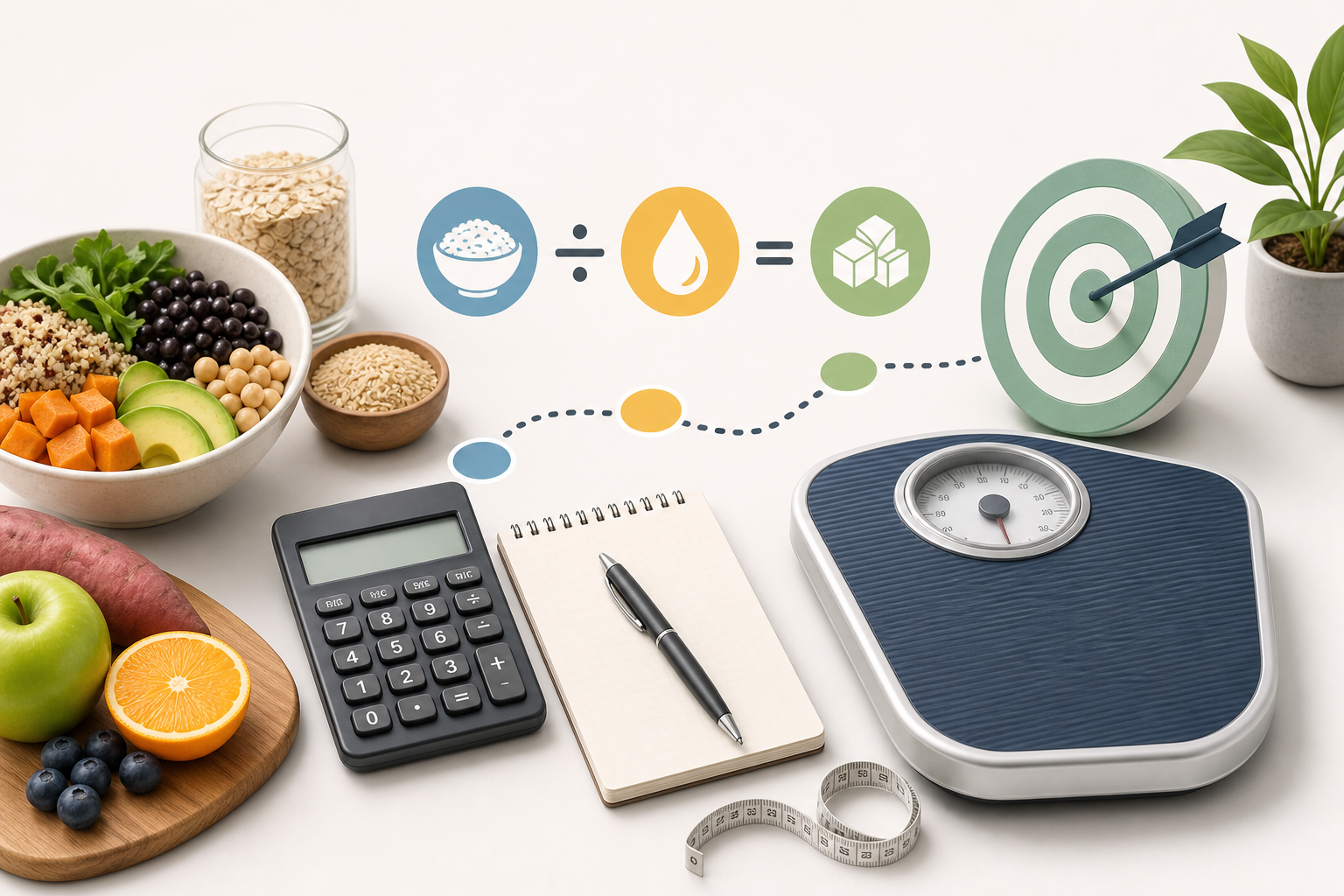
To calculate carbohydrate grams from calories, multiply the daily calorie target by the percentage allocated to carbohydrate, convert that percentage to a decimal, and divide by 4. The calculation uses the standard energy value of 4 kilocalories (kcal) per gram of carbohydrate. For example, 50% of a 2,000 kcal target equals 1,000 kcal from carbohydrate, or 250 grams per day.
Formula to calculate carbohydrate grams from calories
The basic formula is:
Carbohydrate grams per day = total daily calories × carbohydrate percentage as a decimal ÷ 4
To convert a percentage to a decimal, divide it by 100. For example, 50% becomes 0.50, 45% becomes 0.45, and 60% becomes 0.60.
The calculation has two stages:
- Calculate how many calories are allocated to carbohydrate.
- Divide those carbohydrate calories by 4 kcal per gram.
In nutrition planning, the word “calorie” usually refers to a kilocalorie, written as kcal. The standard conversion of 4 kcal per gram is used to estimate the energy contribution of carbohydrate in a dietary plan.
Worked example: 2,000 kcal with 50% carbohydrate
Suppose a person is planning around 2,000 kcal per day and wants 50% of those calories to come from carbohydrate.
Step 1: Convert the percentage to a decimal
50 ÷ 100 = 0.50
Step 2: Find the calories from carbohydrate
2,000 × 0.50 = 1,000 kcal from carbohydrate
Step 3: Convert carbohydrate calories to grams
1,000 ÷ 4 = 250 grams
The estimated carbohydrate allocation is therefore 250 grams per day.
This is a mathematical allocation rather than a measured intake. Actual intake depends on the foods, drinks, portions and nutrition-label values consumed during the day.
More carbohydrate conversion examples
The same method works with different calorie targets and percentages. The following examples show how changes in either input affect the estimated carbs per day.
| Daily calorie target | Carbohydrate percentage | Calories from carbohydrate | Carbohydrate grams |
|---|---|---|---|
| 1,500 kcal | 40% | 600 kcal | 150 g |
| 1,800 kcal | 45% | 810 kcal | 202.5 g |
| 2,000 kcal | 50% | 1,000 kcal | 250 g |
| 2,200 kcal | 55% | 1,210 kcal | 302.5 g |
| 2,500 kcal | 60% | 1,500 kcal | 375 g |
Decimal results can be retained for detailed planning or rounded to the nearest whole gram for convenience. Rounding 202.5 grams to 203 grams, for example, creates only a small difference in the estimated calorie allocation.
A practical planning scenario
Consider someone with an estimated target of 1,800 kcal who chooses to allocate 45% to carbohydrate. Multiplying 1,800 by 0.45 gives 810 carbohydrate calories. Dividing 810 by 4 produces 202.5 grams, which could be recorded as about 203 grams per day.
This number describes the planned total across the day. It does not require every meal to contain the same amount, and it does not determine which carbohydrate-containing foods should provide those grams.
Using a carbohydrate calculator
A carb calculator performs the same conversion automatically. It takes a calorie target and a selected carbohydrate percentage, calculates the calories assigned to carbohydrate, and divides that amount by 4.
Typical steps are:
- Enter the daily calorie target requested by the tool.
- Select or enter the percentage of calories to allocate to carbohydrate.
- Calculate the estimated carbohydrate grams per day.
- Review the inputs, result and any displayed comparison range.
Check whether the percentage field expects a whole percentage, such as 50, or a decimal, such as 0.50. A well-designed carbohydrate calculator handles that conversion internally, but it is important when doing the arithmetic manually.
What the calculator can tell you
- The number of calories allocated to carbohydrate.
- The corresponding estimated carbohydrate grams per day.
- How the gram estimate changes when the calorie target or percentage changes.
- A general adult reference range for comparison, if the tool provides one.
What the calculator cannot tell you
- Whether the entered calorie target reflects measured energy needs.
- Which carbohydrate percentage is suitable for a particular medical condition, treatment plan or training goal.
- The fibre, micronutrient content or overall nutritional quality of the selected foods.
- How carbohydrate is distributed across meals and snacks.
- How closely actual food intake will match the calculated target.
The result is therefore an estimate for planning. It is not a judgment about carbohydrate quality and is not a personalised nutrition prescription.
Understanding percentages, grams and food labels
A calorie percentage and a gram amount describe the same allocation in different ways. The percentage shows the share of total calories assigned to carbohydrate, while grams provide a quantity that can be compared with meal plans, recipes or nutrition labels.
For example, 250 grams of carbohydrate represents about 1,000 kcal because:
250 × 4 = 1,000 kcal
If the total target is 2,000 kcal, those 1,000 kcal represent 50% of the target:
1,000 ÷ 2,000 × 100 = 50%
Nutrition labels generally list carbohydrate in grams per serving. To estimate daily intake from labels, the listed grams need to be multiplied by the number of servings actually consumed and then added across all foods and drinks.
Calculated carbohydrate grams and recorded carbohydrate grams may not match exactly. Differences can arise from serving-size estimates, rounded label values, recipe calculations and normal day-to-day variation.
Choosing a carbohydrate percentage
Carbohydrate is a major energy-providing macronutrient, but the percentage of calories supplied by carbohydrate can vary substantially across dietary patterns. The National Academies’ Dietary Reference Intakes describe an Acceptable Macronutrient Distribution Range of 45% to 65% of energy from carbohydrate for adults.
This range is a population-level reference, not an individual requirement for every person. A carb calculator may display it for context, but displaying a range does not establish that a particular percentage is appropriate for an individual.
The calorie target also matters. The same percentage produces different gram amounts at different calorie levels. At 50% carbohydrate, a 1,600 kcal target gives 200 grams, while a 2,400 kcal target gives 300 grams.
Likewise, the same gram amount can represent different percentages at different calorie targets. For that reason, both the calorie input and the chosen percentage should be reviewed when interpreting a result.
Frequently asked questions
Why are carbohydrate calories divided by 4?
Carbohydrate is assigned a standard energy value of about 4 kcal per gram for nutrition calculations. Dividing carbohydrate calories by 4 converts the calorie allocation into an estimated number of grams.
How many grams of carbohydrate are in 800 carbohydrate calories?
Divide 800 by 4. The result is 200 grams of carbohydrate.
How do I calculate carbohydrate grams if I know only the percentage?
You also need a total calorie value. A percentage indicates a share of a total, so it cannot be converted into grams without knowing the calorie target to which it applies.
Can I calculate the carbohydrate percentage from grams?
Yes. Multiply the carbohydrate grams by 4 to estimate carbohydrate calories. Divide that result by total daily calories and multiply by 100. For example, 180 grams provides about 720 kcal; within a 1,800 kcal plan, that equals 40%.
Should the result be rounded?
Rounding to the nearest whole gram is usually convenient for general planning. Keeping one decimal place may be useful when comparing calculations, but it should not imply that food intake can be measured with that level of precision.
Does the calculation include fibre?
The basic formula converts an overall carbohydrate calorie allocation into grams. It does not separately calculate fibre or other carbohydrate components. Any comparison with food labels should use the carbohydrate value relevant to the labelling system being followed.
In summary, to calculate carbohydrate grams, multiply the daily calorie target by the chosen carbohydrate percentage as a decimal and divide by 4. The result is a planning estimate whose usefulness depends on the calorie target and percentage entered.