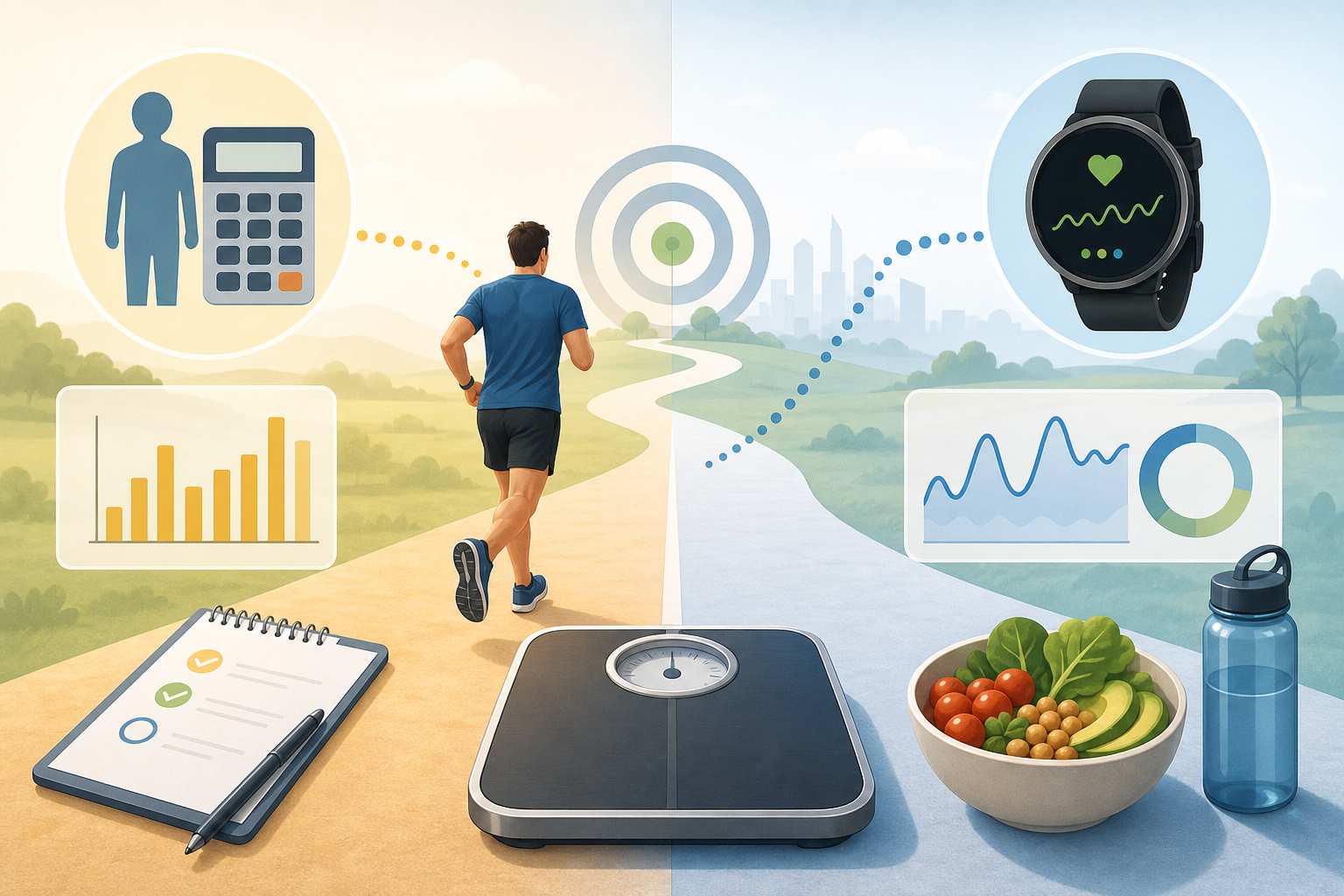
The short answer to why running calorie estimates differ between calculators and fitness watches is that they use different inputs, assumptions and definitions. A calculator may apply a standard activity intensity to body weight and time, while a watch may combine movement, pace, heart rate and its own proprietary algorithm. Both results are estimates rather than direct measurements of energy expenditure.
- Why running calorie estimates differ between calculators and fitness watches
- How MET-based running calculators work
- Example calculation
- What the MET method assumes
- How fitness watches estimate calories burned running
- Heart-rate data
- Movement, GPS and elevation
- Device-specific algorithms
- Body data and calorie definitions can change the result
- Why the same runner can receive different estimates
- A practical comparison of calculator and watch results
- What the Running Calories Calculator can and cannot tell you
- What it can tell you
- What it cannot tell you
- Frequently asked questions
- Is a running calories calculator more accurate than a fitness watch?
- Why does my watch show fewer calories than the calculator?
- Why does my watch estimate change when I run the same route?
- Does running faster always increase total calorie burn?
- Should I add watch calories to my daily food target?
Why running calorie estimates differ between calculators and fitness watches
Most running calculators use a transparent equation based on metabolic equivalent of task, or MET, values. These values represent standardised activity intensities and make it possible to compare different speeds and activities consistently.
Fitness watches usually take a more individualised but less transparent approach. Depending on the device, the estimate may incorporate heart rate, GPS pace, distance, wrist movement, elevation and personal profile data. The manufacturer then processes those inputs through a device-specific model.
Different methods do not necessarily mean that one result is correct and the other is wrong. Each method approximates energy use from limited information, and neither is the same as measuring it under controlled laboratory conditions.
How MET-based running calculators work
A typical running calories calculator assigns a MET value to the selected running intensity. Faster running generally receives a higher MET value because it usually requires more energy per minute.
The standard calculation is:
Estimated kcal = MET × 3.5 × body weight in kg ÷ 200 × duration in minutes
The MET values used for this type of calculation are population-based reference values. The 2024 Adult Compendium of Physical Activities provides standardised MET values for many activities, including different forms and intensities of running.
Example calculation
For an 80 kg person running for 30 minutes at an assigned intensity of 8.3 MET:
8.3 × 3.5 × 80 ÷ 200 × 30 = approximately 349 kcal
This means the estimated running calorie burn is about 349 kcal under the assumptions of the formula. It is not a measured result for that individual session.
What the MET method assumes
- The chosen MET value reasonably represents the run’s intensity.
- Body weight and duration have been entered correctly.
- The runner’s energy cost is reasonably close to the population average represented by the MET value.
- Factors such as terrain, wind and running efficiency do not differ enough to require separate adjustments.
These assumptions make the method practical and consistent, but they also limit how closely the estimate can reflect an individual runner.
How fitness watches estimate calories burned running
A fitness watch may adjust its estimate continuously throughout a run rather than applying one intensity value to the entire session. However, the exact calculation varies by brand, model, software version and selected activity mode.
Heart-rate data
Many watches use heart rate as an indicator of effort. A higher heart rate may cause the device to estimate greater energy expenditure, especially when the user has selected a running workout.
Heart rate is not a direct measurement of calories. It can also vary with heat, fatigue, stress, hydration status, caffeine, medication and sensor accuracy. As a result, two runs at the same pace may receive different watch estimates.
Movement, GPS and elevation
Devices may use GPS to estimate speed and distance, while accelerometers measure wrist movement and step patterns. Some models also use barometric or GPS-derived elevation data to account for hills.
Signal interruptions, indoor running, limited wrist movement or an incorrect activity mode can affect these inputs. Treadmill pace and distance may also differ from the watch’s estimates unless the device is calibrated appropriately.
Device-specific algorithms
Manufacturers use different algorithms to convert sensor information into calories. These models may weigh heart rate, pace and movement differently, so two watches worn during the same run can display different results.
Software updates can also change an estimate without any change in the runner or the route. The underlying algorithms are often proprietary, making a direct comparison with a published MET formula difficult.
Body data and calorie definitions can change the result
Both calculators and watches depend on the information supplied to them. Incorrect or outdated body weight can noticeably affect estimates because larger body mass generally requires more energy to move over the same duration and intensity.
A watch may also request age, sex, height, resting heart rate or a fitness estimate. How it uses those details depends on the device model. A calculator based only on weight, MET and time does not make those additional adjustments.
Another common source of disagreement is the difference between total and active calories:
| Displayed value | What it generally represents |
|---|---|
| Total calories | Estimated energy used during the session, including energy the body would have used at rest during that time. |
| Active calories | Estimated energy attributed to activity above resting needs. |
A MET-based formula commonly produces a total, or gross, estimate for the activity period. A watch may display active calories on the workout screen while placing total calories elsewhere. Comparing those two values directly can make the difference appear larger than it is.
Why the same runner can receive different estimates
Running energy expenditure varies even when body weight, time and average pace appear identical. Normal sources of variation include:
- Hills: Uphill running usually requires more effort than level running, while downhill running changes the mechanical demand.
- Surface: Trails, sand and uneven ground may require different effort from a smooth road or treadmill.
- Wind and weather: Headwinds and hot conditions can increase perceived effort and heart rate.
- Running economy: Two people can use different amounts of energy while running at the same speed.
- Stops and pace changes: A calculator may treat the full duration as continuous running, whereas a watch may detect pauses or varying pace.
- Sensor fit: A loose watch, cold skin, arm movement or poor sensor contact can affect wrist-based heart-rate readings.
- Rounding: Calculators and devices may round duration, body weight, speed or the final calorie value differently.
These influences create normal estimation error. A precise-looking display, such as 347 kcal, should not be interpreted as proof that exactly 347 kcal were used.
A practical comparison of calculator and watch results
Consider an 80 kg runner who completes a 30-minute run. A calculator using 8.3 MET estimates approximately 349 total kcal. The runner’s watch displays 305 active kcal.
At first, the values appear to disagree by 44 kcal. However, the calculator’s formula includes the energy assigned to the entire activity period. Using the same formula at 1 MET would represent about 42 kcal over 30 minutes for this body weight:
1 × 3.5 × 80 ÷ 200 × 30 = 42 kcal
Subtracting that rough resting component from the calculator result gives approximately 307 active kcal. That is close to the hypothetical watch result of 305 kcal.
This does not prove that either estimate is accurate. It shows why checking whether values represent active or total calories is important before comparing them.
What the Running Calories Calculator can and cannot tell you
What it can tell you
- An estimated number of calories used from body weight, selected intensity and duration.
- How the estimate changes when running time, weight or intensity changes.
- A consistent basis for comparing planned runs when the same method is used each time.
- The assumptions and formula behind the result.
What it cannot tell you
- Your directly measured energy expenditure for a specific run.
- Exactly how hills, wind, temperature or surface affected the session.
- Your individual running economy or metabolic response.
- Whether a watch’s proprietary algorithm is more accurate for you.
- How much body weight will change as a result of one run.
For practical tracking, consistency is often more useful than switching between unrelated figures. Compare results generated by the same calculator settings or the same device mode, and review trends rather than treating a single number as exact.
When investigating why running calorie estimates differ between calculators and fitness watches, first check body weight, workout duration, activity mode and whether each figure represents active or total calories. Any remaining difference may reflect MET assumptions, sensor data, terrain, individual efficiency or the device’s algorithm.
Frequently asked questions
Is a running calories calculator more accurate than a fitness watch?
Not necessarily. A calculator uses a clear standardised method, while a watch may use more session-specific information. The watch has more inputs, but those inputs and its algorithm can also introduce error. Both should be treated as estimates.
Why does my watch show fewer calories than the calculator?
The watch may be displaying active calories while the calculator reports total calories. It may also account for pauses, lower recorded heart rate or a different estimate of intensity. Check the definitions and workout duration before comparing the numbers.
Why does my watch estimate change when I run the same route?
Heart rate, pace, weather, GPS quality and detected elevation can vary between sessions. Even if the route is unchanged, the watch may receive different sensor data and calculate a different result.
Does running faster always increase total calorie burn?
Faster running generally raises estimated energy use per minute, but it may also shorten the workout. Total calories burned running depend on both intensity and duration, as well as body size and individual efficiency.
Should I add watch calories to my daily food target?
Exercise calorie figures contain estimation error, so treating them as an exact amount available to replace can create another source of uncertainty. If using them for planning, keep the method consistent and consider the broader pattern of activity and intake rather than relying on one session’s display.