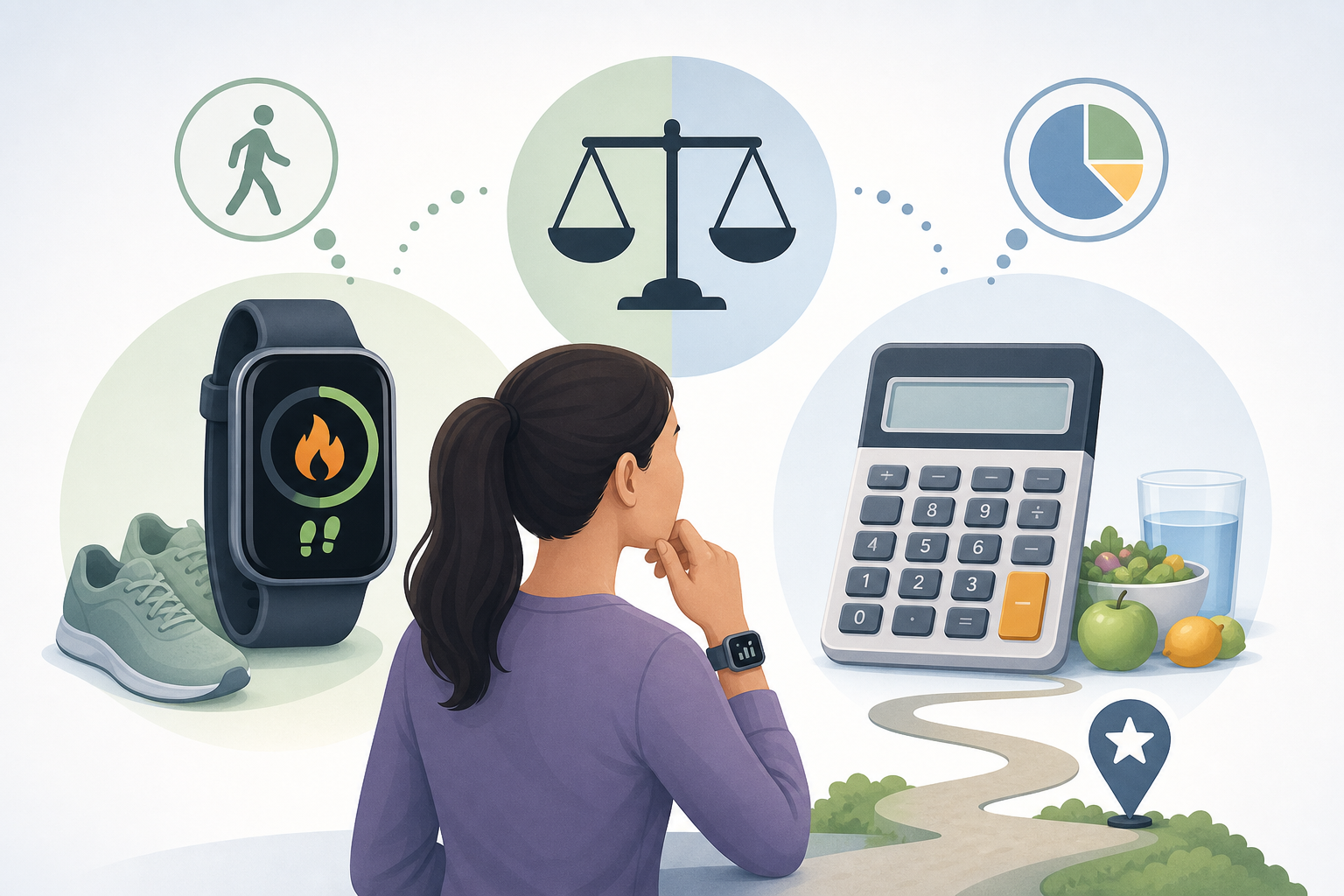
Smartwatch step calories may differ from calculator estimates because the two methods often use different inputs, assumptions and calorie definitions. A smartwatch may combine detected steps with heart rate, GPS, movement patterns and personal profile data, while a calculator generally converts steps into estimated distance and duration before applying a walking-energy equation. Neither result is a direct measurement of calories burned.
- How smartwatch step calories are estimated
- How a steps to calories calculator works
- Why the two estimates may not match
- Proprietary device algorithms
- Heart-rate inputs
- Stride-length assumptions
- Pace and terrain
- Different definitions of calories
- Different step counts
- A practical 10,000-step example
- What the calculator can and cannot tell you
- How to compare estimates more meaningfully
- Frequently asked questions
- Is a smartwatch more accurate than a steps-to-calories calculator?
- Why does my watch change its calorie estimate after a workout?
- Do 10,000 steps burn the same calories for everyone?
- Should I enter my average pace or fastest pace in the calculator?
- Can I add my watch and calculator calorie values together?
Differences are therefore normal, even when the same step count, body weight and walking session are involved. Understanding how each method works makes the numbers easier to interpret without assuming that one result must be correct and the other wrong.
How smartwatch step calories are estimated
A smartwatch does not measure calorie expenditure directly. Instead, it processes available sensor data through a device-specific algorithm. Manufacturers do not always publish every detail of these algorithms, and methods may change with software updates or differ between device models.
Depending on the device and settings, an estimate may use:
- Step count and movement detected by accelerometers
- Heart-rate readings from an optical wrist sensor
- GPS-based distance and speed
- Entered age, sex, height and body weight
- Past activity or fitness information stored in the user profile
- Whether the watch recognised a workout automatically or the user started one manually
The watch may also classify the activity as casual movement, steady walking, brisk walking or another exercise type. That classification can affect the energy estimate even if the displayed number of steps remains unchanged.
How a steps to calories calculator works
A steps to calories calculator uses a more transparent estimation pathway. It typically estimates step length from height, converts the step count into distance, estimates duration from the selected walking pace, and then combines duration with body weight and a walking MET value.
A MET, or metabolic equivalent, is a standard way to describe the energy cost of an activity relative to rest. The 2024 Adult Compendium of Physical Activities provides MET values for many activities and intensity levels, including walking.
This method is useful when only a step count and a few personal details are available. However, it does not know the walker’s measured stride length, exact route, heart-rate response, fitness level or how frequently pace changed.
Why the two estimates may not match
Proprietary device algorithms
Each smartwatch brand can assign different importance to steps, wrist movement, heart rate and GPS. Two watches worn during the same walk may therefore produce different calorie estimates. A calculator uses one defined method, whereas a wearable may continually adjust its estimate as new sensor data arrive.
Heart-rate inputs
Heart rate can provide additional information about how the body responded to an activity, but wrist-based readings are themselves estimates. Sensor contact, wrist movement, skin conditions, device position and rapid changes in intensity can influence the reading.
A higher recorded heart rate may lead some algorithms to estimate greater energy expenditure. However, heart rate can also vary for reasons not captured by step count alone, so it does not create a direct calorie measurement.
Stride-length assumptions
A calculator commonly estimates step length from height. Real stride length also varies with pace, terrain, mobility, footwear and individual walking style. If the estimated stride is longer than the person’s actual stride, the calculator may overestimate distance; if it is shorter, it may underestimate distance.
A watch using GPS may have a better record of outdoor distance when satellite reception is reliable. Indoors, or when GPS is unavailable, the device may also rely on an estimated stride.
Pace and terrain
Ten thousand steps taken slowly around a home are not equivalent to the same number taken during a continuous brisk walk. Hills, stairs, uneven ground, stops and carried loads can change the effort without changing the final step total in a predictable way.
A calculator usually applies the pace selected by the user across all steps. A watch may attempt to recognise changing intensity, although its classification will not always reflect every part of the activity accurately.
Different definitions of calories
One result may show total calories expended during the activity, including energy the body would have used at rest. Another may report only “active calories” above resting expenditure. These values should not be compared as though they represent the same quantity.
Device dashboards may also separate workout calories, active calories and total daily calories. Checking the label and help documentation is important before comparing a watch value with a calculator result.
Different step counts
The comparison begins with the step count itself. A phone in a pocket, a watch on the wrist and another wearable on the body may detect steps differently. Arm movements can sometimes be classified as steps, while pushing a trolley or holding handrails may reduce the wrist movement used to detect walking.
If the calculator uses a phone’s count but the watch uses its own count, the resulting calorie estimates are based on different activity records from the outset.
A practical 10,000-step example
Consider a person whose watch records 10,000 steps over a day. Some steps occur during a brisk outdoor walk, while others come from short periods of movement at home and work. The watch uses heart rate and GPS during the outdoor session but relies mainly on movement sensors for the remaining steps.
The person then enters 10,000 steps, height, weight and a single moderate pace into a calculator. The calculator treats the steps as though they can be represented by one estimated stride and pace. The watch instead evaluates different periods using whatever sensor information was available at the time.
The resulting 10000 steps calories figures may differ substantially without either method containing an obvious error. They are answering slightly different questions with different data. The calculator approximates the energy cost of a standardised walk, while the watch attempts to reconstruct the person’s recorded activity throughout the day.
If the calculator were given a pace matching the dedicated outdoor walk, its result might be more comparable with the watch’s workout record than with the watch’s full-day activity total. Comparison is most useful when the step count, time period, activity type and calorie definition all match.
What the calculator can and cannot tell you
The calculator can provide a consistent estimate of walking calories from step count, body size and selected pace. It can also help show why the same number of steps does not represent one fixed calorie value for everyone.
It can reasonably be used to:
- Convert steps into an estimated walking distance
- Approximate duration from the selected pace
- Compare the effect of different weights or walking speeds within the same calculation method
- Provide a planning estimate when no wearable data are available
It cannot determine:
- Your measured stride length unless the tool specifically accepts it as an input
- The exact distance covered by every step
- How hills, stairs, stops or changing terrain affected effort
- Your individual physiological response to the activity
- Whether a phone or wearable counted every step correctly
- The exact calories expended
The output should be treated as an approximation rather than a measured value. It is particularly useful for consistent comparisons when the same inputs and method are used over time.
How to compare estimates more meaningfully
First, confirm that both values cover the same period. A smartwatch workout estimate should not be compared directly with a calculator entry containing all steps accumulated across the day.
Next, check whether the smartwatch displays active or total calories. If that is unclear, the device manufacturer’s description of its calorie fields may explain which figure is closest to the calculator output.
For repeated comparisons, keep the calculator inputs consistent and ensure that the wearable profile contains current information. A change in entered weight, selected pace, GPS use or workout mode can change the estimate even when the step total looks similar.
A single difference is usually less informative than a repeated pattern. If the watch is consistently higher or lower under similar conditions, that may reflect a systematic difference between methods rather than a sudden change in walking calories.
Ultimately, smartwatch step calories and calculator outputs are best viewed as model-based estimates. Their value lies in showing an approximate activity level or trend, not in identifying an exact amount of energy expended.
Frequently asked questions
Is a smartwatch more accurate than a steps-to-calories calculator?
Not in every situation. A smartwatch may have more inputs, such as heart rate and GPS, but those inputs and the algorithm interpreting them have limitations. A calculator uses fewer inputs but applies them consistently and transparently.
Why does my watch change its calorie estimate after a workout?
The device may process additional heart-rate, GPS or activity-classification data after recording ends. Synchronisation with a phone app or account may also cause the displayed categories or totals to update.
Do 10,000 steps burn the same calories for everyone?
No. The estimate depends on factors such as body weight, distance per step, pace and the nature of the route. Ten thousand steps is a count, not a fixed distance or calorie amount.
Should I enter my average pace or fastest pace in the calculator?
Use the pace that best represents the steps being calculated. If the steps accumulated across varied activities, no single pace will describe them perfectly. The result should then be understood as a broad estimate.
Can I add my watch and calculator calorie values together?
Usually not if both values describe the same steps or walking session, because that would count the activity twice. They are alternative estimates unless each value clearly covers a separate period or activity.