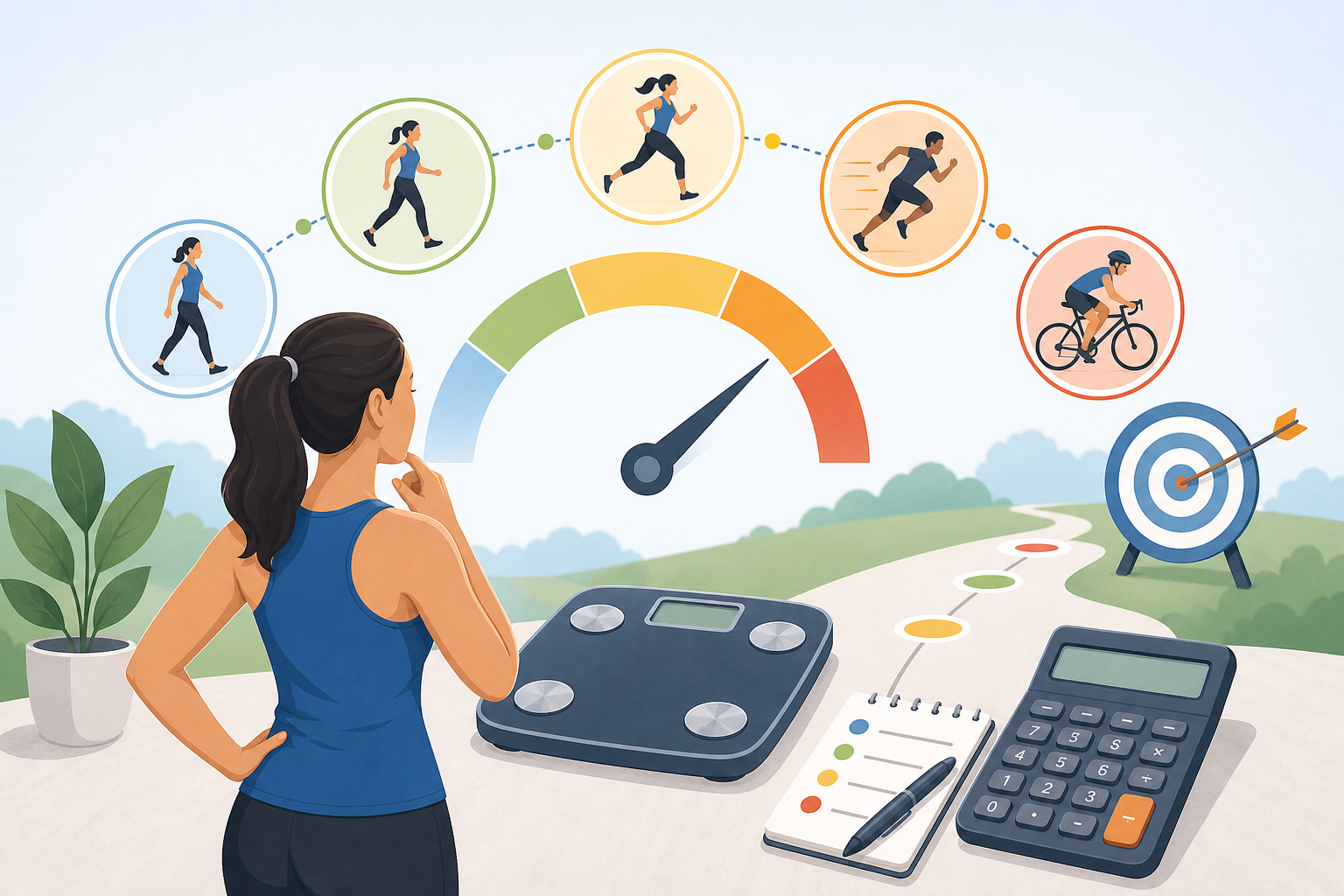
Learning how to choose the right exercise intensity for a calorie estimate starts with matching the calculator option to what you actually did, not what the activity is called. Select light intensity for easy, low-effort movement; moderate intensity for a purposeful but sustainable effort; and vigorous intensity for hard work that is difficult to maintain. The closest match matters because an exercise calories calculator uses the selected intensity, body weight and duration to estimate energy expenditure.
- How to choose the right exercise intensity for a calorie estimate
- Why the closest activity level matters
- How to judge the intensity of your session
- Use perceived effort as a cross-check
- Separate mixed-intensity sessions when practical
- A practical calorie-estimate example
- What an exercise calories calculator can and cannot tell you
- What it can tell you
- What it cannot tell you
- Frequently asked questions
- Should I choose vigorous intensity if the exercise felt difficult?
- Should warm-up and cool-down minutes be included?
- What should I select if my session alternated between moderate and vigorous effort?
- Is a MET calculator the same as an exercise calorie calculator?
- Why does the calculator estimate differ from my watch or exercise machine?
- Do I need to select the highest available intensity to avoid underestimating?
- Choosing a useful estimate
How to choose the right exercise intensity for a calorie estimate
Exercise intensity describes how demanding an activity is. MET, or metabolic equivalent, values provide a standard way to represent that demand. A higher MET value produces a higher calorie estimate when body weight and exercise duration remain the same.
Light, moderate and vigorous are broad categories rather than precise measurements of personal effort. The following descriptions can help you choose the closest option in a calculator.
| Intensity | Typical MET range | Practical description | Examples of factors that may place an activity here |
|---|---|---|---|
| Light | Below 3 MET | Easy movement that can usually be continued comfortably | Slow pace, low resistance, frequent pauses or a gentle warm-up |
| Moderate | 3 to 5.9 MET | Purposeful effort that is noticeable but generally sustainable | Steady pace, moderate resistance or continuous recreational activity |
| Vigorous | 6 MET or more | Hard effort that is more difficult to sustain for a long period | Fast pace, high resistance, steep incline or demanding continuous movement |
These ranges are practical groupings based on activity MET values. Individual effort can feel different even when two people perform the same activity. Fitness, technique, terrain, equipment and environmental conditions may all affect how demanding a session is.
Choose according to the main working portion of your session. Do not automatically select vigorous because an exercise was challenging, or light because it was brief.
Why the closest activity level matters
The calculator estimates exercise energy expenditure with this formula:
Estimated kcal = MET × 3.5 × body weight in kilograms ÷ 200 × minutes
Because MET appears directly in the formula, selecting a higher or lower intensity changes the result even if weight and duration do not change. An activity entered as vigorous will generally produce a larger estimate than the same number of minutes entered as light or moderate.
Activity names alone may not provide enough information. Walking can range from an easy stroll to a fast uphill session. Cycling might involve relaxed riding on level ground, a steady indoor workout or hard climbing. Resistance training can include long rests and light loads or continuous circuits with little recovery.
The 2024 Adult Compendium of Physical Activities assigns MET values to detailed activity descriptions. This is why calculators may offer several versions of what appears to be the same exercise.
A precise-looking result should still be treated as an estimate. MET values describe standardised activity costs, while actual energy use varies between people and may change throughout a session.
How to judge the intensity of your session
Use the details of the session rather than relying only on how tired you felt afterward. The aim is to identify the calculator description that most closely reflects the pace, resistance and conditions.
- Identify the activity. Start with the specific movement, such as walking, running, swimming, cycling or resistance training.
- Check the pace or workload. Use speed, incline, resistance, stroke effort or another available description. An option with measurable details is generally more useful than a broad label.
- Consider continuity. Decide whether the entered time represents active exercise or includes substantial rest, waiting or setup time.
- Account for terrain and equipment. Hills, soft surfaces, added resistance and some exercise machines can make a session more demanding than a level or low-resistance version.
- Choose the closest average. If effort changed during the session, select the level that best represents most of the active time or calculate separate segments.
Use perceived effort as a cross-check
Your sense of effort can help when pace or resistance data are unavailable. Light activity should feel easy, moderate activity should feel clearly purposeful, and vigorous activity should feel hard to sustain.
Perceived effort is not interchangeable with MET intensity. A standard activity may feel especially difficult to a beginner or relatively easy to an experienced participant without its listed MET value changing. Use personal effort as supporting information rather than the only basis for choosing an entry.
Separate mixed-intensity sessions when practical
Many workouts do not remain at one intensity. Interval training, team sports, hill walking and circuit sessions may alternate between hard work and easier recovery.
If the calculator allows only one activity at a time, divide the session into meaningful portions. For example, enter the warm-up, main workout and cool-down separately when their intensity levels differ substantially. Add the resulting estimates to obtain a more representative session total.
There is no need to divide every small pace change. A single average category is usually more practical for a mostly steady workout.
A practical calorie-estimate example
Consider a person who weighs 75 kg and completes 45 minutes of activity represented by 6 MET. The calculation is:
6 × 3.5 × 75 ÷ 200 × 45 = approximately 354 kcal
This does not mean every 75 kg person will use exactly 354 kcal. It means that 354 kcal is the formula-based estimate for those inputs.
Suppose the 45-minute session included 10 minutes of gentle movement, 25 minutes of hard exercise and 10 minutes of recovery. Entering the entire session as vigorous assumes that all 45 minutes occurred at the vigorous MET value. That could make the result less representative of the mixed session.
A better approach would be to enter the segments separately if suitable activities are available. If that is not practical, choose the option that most closely describes the average active workload and recognise the result as an approximation.
What an exercise calories calculator can and cannot tell you
What it can tell you
- An estimated amount of energy used during the entered exercise period
- How estimates compare across activities, durations or intensity selections
- How body weight, session length and MET value affect the calculation
- A consistent planning figure when the same method is used over time
An exercise calories calculator is particularly useful for comparing scenarios. For example, it can show how the estimate changes when a session is longer or when a different activity-specific MET value is selected.
What it cannot tell you
- Your exact measured energy expenditure
- The precise average intensity of a workout that changed repeatedly
- How efficiently your body performed a particular movement
- Whether exercise-machine or wearable-device figures are accurate
- How much body weight will change as a result of one workout
Actual calories burned during exercise may differ from the estimate because the formula cannot capture every personal and session-specific factor. Technique, fitness, movement efficiency and unrecorded rest periods can all contribute to differences.
The result should also not automatically be treated as a precise amount of food energy to replace or subtract. It is an activity estimate, not a complete measurement of daily energy balance.
Frequently asked questions
Should I choose vigorous intensity if the exercise felt difficult?
Not necessarily. Personal difficulty and the calculator’s MET category are related but are not identical. Check the listed pace, resistance, terrain or activity description first, then use perceived effort as a cross-check.
Should warm-up and cool-down minutes be included?
They can be included, but assigning the entire session one high intensity may overstate its average workload. When the warm-up or cool-down differs substantially from the main exercise, enter those periods separately or choose a lower average intensity for the complete session.
What should I select if my session alternated between moderate and vigorous effort?
Calculate the moderate and vigorous portions separately when you know their approximate durations. If the changes were frequent or not timed, choose the closest average activity description and treat the result as a broader estimate.
Is a MET calculator the same as an exercise calorie calculator?
They are closely related but may have different outputs. A MET calculator may identify or apply an activity intensity value, while an exercise calorie calculator combines MET intensity with body weight and duration to estimate kilocalories.
Why does the calculator estimate differ from my watch or exercise machine?
Different tools may use different activity values, personal inputs and calculation methods. A watch may incorporate sensor data, while an exercise machine may rely on speed, resistance or default assumptions. None of these figures should automatically be considered a laboratory measurement.
Do I need to select the highest available intensity to avoid underestimating?
No. Selecting the highest level does not make the result safer or more accurate; it simply applies a higher MET value. Choose the description closest to the work completed, even if that produces a lower estimate.
Choosing a useful estimate
The practical answer to how to choose the right exercise intensity for a calorie estimate is to match the activity description to the session’s pace, resistance, terrain and active duration. Use light for easy movement, moderate for a steady purposeful effort and vigorous for hard work, while remembering that these are broad categories.
For mixed sessions, calculate distinct portions separately when possible. Most importantly, interpret the result as a comparison and planning estimate rather than an exact measurement of calories burned during exercise.